How to Lock Down WhatsApp Privacy: Settings Every Indian Should Change
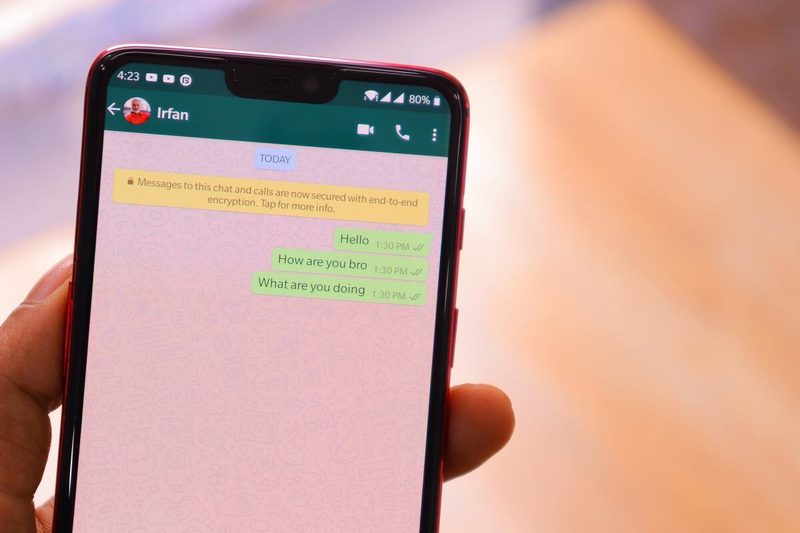
WhatsApp is India’s default communication layer: family groups, office work, business orders, school updates, all flowing through one app used by over half a billion Indians. That centrality makes its privacy settings unusually consequential. By default, WhatsApp shows your profile photo, last seen, online status and about text to far more people than most users realise, and group invites from strangers remain a vector for scams. The app’s end-to-end encryption protects message contents, but your visibility settings decide who gets to find you, watch you and add you. A ten-minute settings review fixes most of it.
Control who sees your profile
Open Settings, then Privacy, and work through the visibility controls. Last seen and online: change from Everyone to My Contacts, or Nobody if you prefer true invisibility; you can also hide it from specific contacts. Profile photo: switch to My Contacts so strangers who message you cannot harvest your picture, a common input for fake-profile scams. About: same treatment. Status: limit to My Contacts, and use the exclude option for sensitive updates. These four changes take a minute and immediately shrink your exposure from “anyone on earth” to “people in your address book”. For women facing harassment, setting the profile photo to contacts-only is among the highest-value single changes in all of phone privacy.
Lock down groups and calls
Unwanted group additions are WhatsApp’s most abused feature in India: strangers add numbers to betting groups, loan-scam groups and worse. Under Privacy, then Groups, change the default from Everyone to My Contacts, or “My Contacts Except” to exclude specific people. Unknown callers are the other plague: enable “Silence unknown callers” so calls from unsaved numbers do not ring through, they go quietly to the calls tab. Turn on two-step verification under Account settings immediately; this PIN protects your number from SIM-swap-style WhatsApp hijacks, one of the commonest account-takeover frauds in the country. These three settings convert WhatsApp from an open door to a guarded one.
Manage read receipts, live location and media
Read receipts, the blue ticks, can be disabled under Privacy, though group chats always show them and you will not see others’ ticks either. It is a fair trade for anyone who wants breathing room. Live location sharing is powerful and risky: share it only with trusted contacts, for limited durations, and never in large groups. Media visibility deserves attention too: by default, every photo and video you receive saves to your phone’s gallery, which fills storage and can surface private images unexpectedly; disable it globally and enable per-chat only where wanted. Disappearing messages, settable per chat for 24 hours, 7 days or 90 days, are worth enabling for sensitive conversations, with the honest caveat that screenshots defeat them.
Backups, encryption and Meta AI
Your chats are end-to-end encrypted in transit, meaning neither WhatsApp nor anyone intercepting the network can read them. But backups are the weak link: chat backups to Google Drive or iCloud are encrypted, and on Android they are end-to-end encrypted by default when you set a password or key; verify this is enabled under Chats, then Chat backup. Be aware that Meta’s AI features process the messages you send to the AI; treat Meta AI like any chatbot and do not paste sensitive material into it. And remember the human layer: encryption cannot stop a recipient from screenshotting or forwarding, so the privacy of a conversation ultimately depends on the people in it.
Spotting and stopping WhatsApp scams
Settings help, but awareness closes the loop. The current scam catalogue in India includes fake job offers, “digital arrest” threats, OTP phishing, and messages from “banks” with malicious links. Rules that never fail: banks never ask for OTPs on WhatsApp; job offers demanding registration fees are fraud; video calls from unknown numbers can be recorded and misused, so do not answer them; and verify urgent money requests from “family” through a voice call, since voice cloning scams now mimic relatives convincingly. Report and block scam accounts through the chat’s contact info page; each report trains WhatsApp’s abuse systems.
FAQs
Can someone read my WhatsApp messages? Not in transit; encryption prevents that. But anyone with physical access to your unlocked phone, or access to an unprotected cloud backup, can read them. Lock your phone and your backups.
Does WhatsApp share my data with Facebook? Account information like your phone number is shared within Meta for purposes disclosed in the privacy policy; message contents remain end-to-end encrypted.
What should I do if my WhatsApp is hijacked? Re-register your number immediately to kick the attacker out, enable two-step verification, and warn your contacts that scam messages may come “from you”.
WhatsApp’s encryption is excellent, but encryption is only half of privacy; the other half is who can see you, add you and call you. Ten minutes in the Privacy menu, plus two-step verification and a sceptical eye for scams, turns India’s most-used app from a public square back into the private messenger it feels like.
Compiled by the Khabar 24h Editorial Desk from publicly available sources.

Khabar 24h Editorial Desk — our explainers are prepared by the Khabar 24h editorial team using AI-assisted research tools, and every piece is reviewed by a human editor before publishing. We do not claim original reporting: our work is turning complex topics into simple, accurate summaries. Spotted an error? Write to contact@khabar24h.com — our corrections policy aims for same-day review.
More from this author →