How AI Coding Assistants Work: What Tools Like Copilot Actually Do
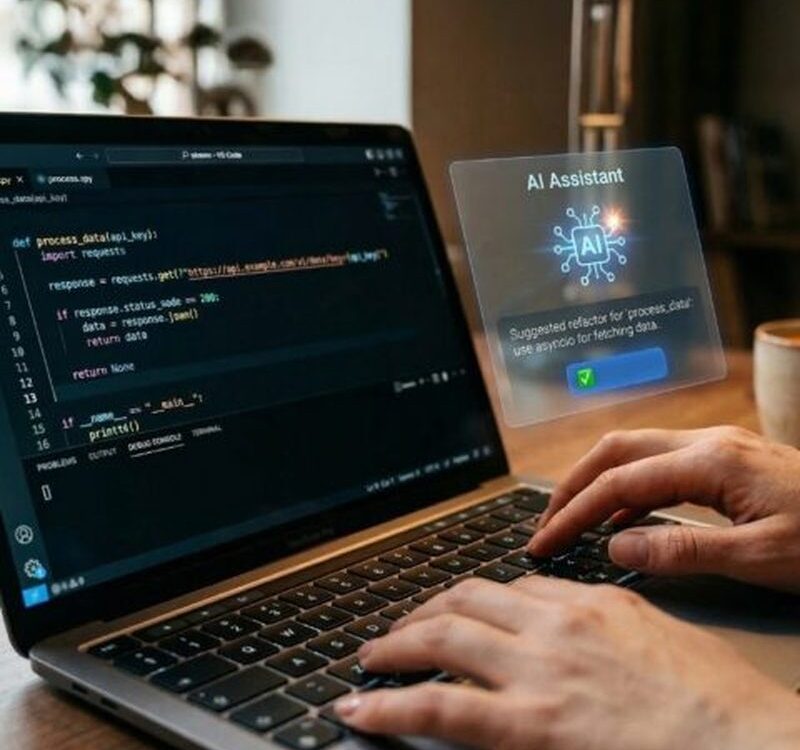
Open a code editor today and an AI is likely to finish your sentences. Tools like GitHub Copilot, Cursor and ChatGPT’s coding modes suggest whole functions, explain cryptic error messages and translate between programming languages. Surveys suggest AI now writes a substantial share of new code at many companies. But what do these tools actually do under the hood? This guide explains how AI coding assistants work, where they excel, where they stumble, and what they mean for the craft of programming.
Under the hood: prediction trained on code
A coding assistant is a large language model trained on an enormous corpus of public code: billions of lines from open-source repositories, documentation, tutorials and Q&A forums. Code turns out to be an excellent fit for next-word prediction, because programming languages are more structured and repetitive than natural language. When you type a comment like sort the list of users by signup date, the model predicts the most likely code that follows, drawing on patterns seen millions of times in training. Modern assistants go beyond raw autocomplete: they read your open files for context, understand your project’s imports and function names, and some run agentic loops that plan multi-file changes, write the code, run the tests and fix failures iteratively.
What coding assistants are genuinely good at
The strengths cluster around well-defined, pattern-heavy work.
- Boilerplate: API endpoints, database models, configuration files and test scaffolding appear in seconds.
- Debugging help: paste an error message and get a likely cause plus a fix, often faster than searching forums.
- Learning on the job: explanations of unfamiliar code, libraries and language features tailored to your exact snippet.
- Translation: converting code between languages or frameworks, a task that is mechanical but time-consuming by hand.
- Documentation: generating docstrings, comments and README drafts from the code itself.
- Regex and SQL: two notoriously fiddly syntaxes where AI suggestions save real frustration.
The common thread is leverage: the assistant handles the routine so the programmer spends time on design and judgement.
Where they go wrong
The weaknesses matter more than the strengths for professional use. Coding models hallucinate APIs that do not exist, inventing plausible function names for libraries they half-remember. They can introduce subtle security vulnerabilities, SQL injection flaws or insecure cryptography, because their training data contains plenty of insecure code. They struggle with novel architecture: great at writing the tenth login form, weak at designing a system no one has built before. They have limited understanding of your specific codebase’s intent, producing code that works but violates the project’s conventions. And they can confidently produce wrong logic that passes a quick glance, which is why every AI-generated line needs review and testing. The industry mantra is that AI writes code at the speed of trust you place in your test suite.
How professional workflows are changing
Development teams are reorganising around the new capability. Code review now includes checking AI-generated code with extra scepticism. Some teams require that significant AI contributions be flagged. Prompting skill, describing the desired behaviour precisely, writing good tests first, has become part of the job. Junior developers face a particular tension: assistants make them productive faster but can short-circuit the deep learning that comes from struggling with problems. The emerging consensus treats the assistant as a powerful junior pair-programmer: fast, tireless, knowledgeable about syntax, but in need of supervision on design, security and correctness.
What it means for learning to code
The advice for beginners has shifted rather than disappeared. Fundamentals matter more, not less: you cannot evaluate AI output in a language you do not understand. Educators increasingly teach AI-assisted workflows explicitly, showing students how to prompt, verify and debug with the tools. The durable skills are the ones AI handles worst: breaking problems down, designing systems, understanding requirements and judging trade-offs. Learning to code in the age of Copilot is less about memorising syntax and more about becoming the kind of thinker who can direct a tireless, literal-minded assistant.
FAQs
Will AI replace programmers? It is automating the routine parts of coding rapidly. Roles are shifting toward design, review and problem-framing, but someone must still decide what to build and whether it is correct.
Is code written by AI safe to use? Only after review and testing. Studies have found AI-generated code contains vulnerabilities at concerning rates, so treat it as a draft, not a deliverable.
Which coding assistant should a beginner try? Any mainstream option integrated into a popular editor works. More important than the choice is the habit of reading, testing and understanding everything it produces.
AI coding assistants are the most successful professional application of generative AI so far: genuinely useful, genuinely flawed, and genuinely transformative for how software gets built. They do not replace the programmer’s judgement; they raise the premium on it, because the faster code gets written, the more the scarce resource becomes knowing whether it is right.
Compiled by the Khabar 24h Editorial Desk from publicly available sources.

Khabar 24h Editorial Desk — our explainers are prepared by the Khabar 24h editorial team using AI-assisted research tools, and every piece is reviewed by a human editor before publishing. We do not claim original reporting: our work is turning complex topics into simple, accurate summaries. Spotted an error? Write to contact@khabar24h.com — our corrections policy aims for same-day review.
More from this author →