What Is Two-Factor Authentication? How to Lock Down Every Account
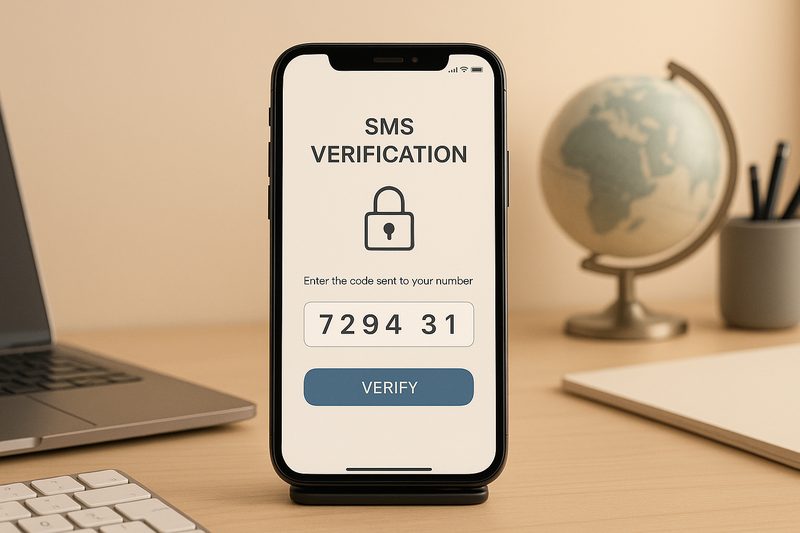
A password can be phished, guessed or leaked in a breach. Two-factor authentication adds a second check, something you have or something you are, so a stolen password alone is not enough to break in. It is the single most effective defence against account takeover, blocking the vast majority of automated attacks. Yet many people have not enabled it, or use the weakest form. This guide explains how 2FA works, which methods are actually secure, and how to lock down every account that matters.
How two-factor authentication works
Authentication factors come in three classic types: something you know, like a password; something you have, like your phone; and something you are, like your fingerprint. 2FA requires two different types before granting access. After entering your password, the service asks for a second proof: a code from an app, a tap on a hardware key, or a biometric check. An attacker who phished your password still cannot log in without that second factor, which lives on your device. This simple idea defeats credential stuffing, password guessing and most phishing at a stroke. It is why security professionals rank enabling 2FA above almost every other precaution.
The methods, ranked by security
Not all second factors are equal.
- Hardware security keys: physical USB or NFC keys using FIDO2 standards. Immune to phishing, the gold standard; ideal for email and high-value accounts.
- Authenticator apps: time-based one-time codes generated on your phone by apps like Google Authenticator or Authy. Strong and free; the sensible default for most people.
- Passkeys: cryptographic logins bound to your device, increasingly the best option where supported.
- Push approvals: tap yes on your phone. Convenient but vulnerable to prompt-bombing, where attackers spam approvals until you tap tiredly.
- SMS codes: better than nothing, but vulnerable to SIM-swap fraud, where criminals hijack your number. Use only where nothing stronger is offered.
The rule: use the strongest method each service offers, and treat SMS as the last resort.
Setting up 2FA on your important accounts
Prioritise ruthlessly. Start with email, because password resets for everything else flow through it; losing email means losing everything. Then banking and UPI apps, social media accounts that define your public identity, cloud storage holding your photos and documents, and work accounts. For each, go to security settings, choose authenticator app over SMS where available, and scan the QR code with your authenticator. Critically, save the backup or recovery codes each service shows you; store them in your password manager or printed somewhere safe. These codes are your lifeline if you lose your phone, and skipping this step is the most common 2FA disaster.
Backup and recovery: the part everyone skips
2FA’s strength becomes a weakness if you lose access to the second factor. A broken or stolen phone with no backups can lock you out of your own life. Protect yourself: save recovery codes for every account, use an authenticator app with encrypted cloud backup or multi-device sync, consider keeping a second hardware key in a safe place, and keep your account recovery email and phone number current. When changing phones, migrate authenticator apps deliberately before wiping the old device; this single step prevents most lockouts. A few minutes of backup setup buys immunity from the most stressful account emergency there is.
What 2FA cannot protect against
Honesty about limits matters. 2FA does not protect a device already infected with malware that reads your codes. It does not help if you approve a fraudulent push notification or hand a code to a caller pretending to be support; no technology survives the user handing over the keys. Session hijacking and sophisticated adversary-in-the-middle attacks can bypass some forms, which is why hardware keys and passkeys, which resist phishing by design, are the long-term answer. And 2FA on only some accounts leaves the others exposed; attackers target the weakest link. Think of 2FA as a deadbolt: excellent, but part of a system that also needs good passwords and scepticism.
FAQs
Is SMS 2FA worth enabling? Yes, if it is the only option. It blocks automated credential-stuffing even though SIM-swap attacks can defeat it. Upgrade to an authenticator app when you can.
What happens if I lose my phone? Use saved recovery codes to regain access, or the authenticator app’s cloud backup on your new phone. This is why saving those codes matters.
Should I use 2FA on every account? Prioritise email, banking, social media and cloud storage. Covering everything is ideal, but securing the critical few first captures most of the benefit.
Two-factor authentication is the closest thing to a free lunch in security: minutes to set up, enormous protection forever. Enable it on your email today, work through the rest this week, and the most common attacks on the internet will simply bounce off.
Source: NIST

Khabar 24h Editorial Desk — our explainers are prepared by the Khabar 24h editorial team using AI-assisted research tools, and every piece is reviewed by a human editor before publishing. We do not claim original reporting: our work is turning complex topics into simple, accurate summaries. Spotted an error? Write to contact@khabar24h.com — our corrections policy aims for same-day review.
More from this author →